No instructions for every measurement
Delegate the investigation without choosing every test point or directing every probe movement.
MCP-COMPATIBLE AI × PINPOINT V2
From selecting test points to analyzing results, AI runs the investigation.
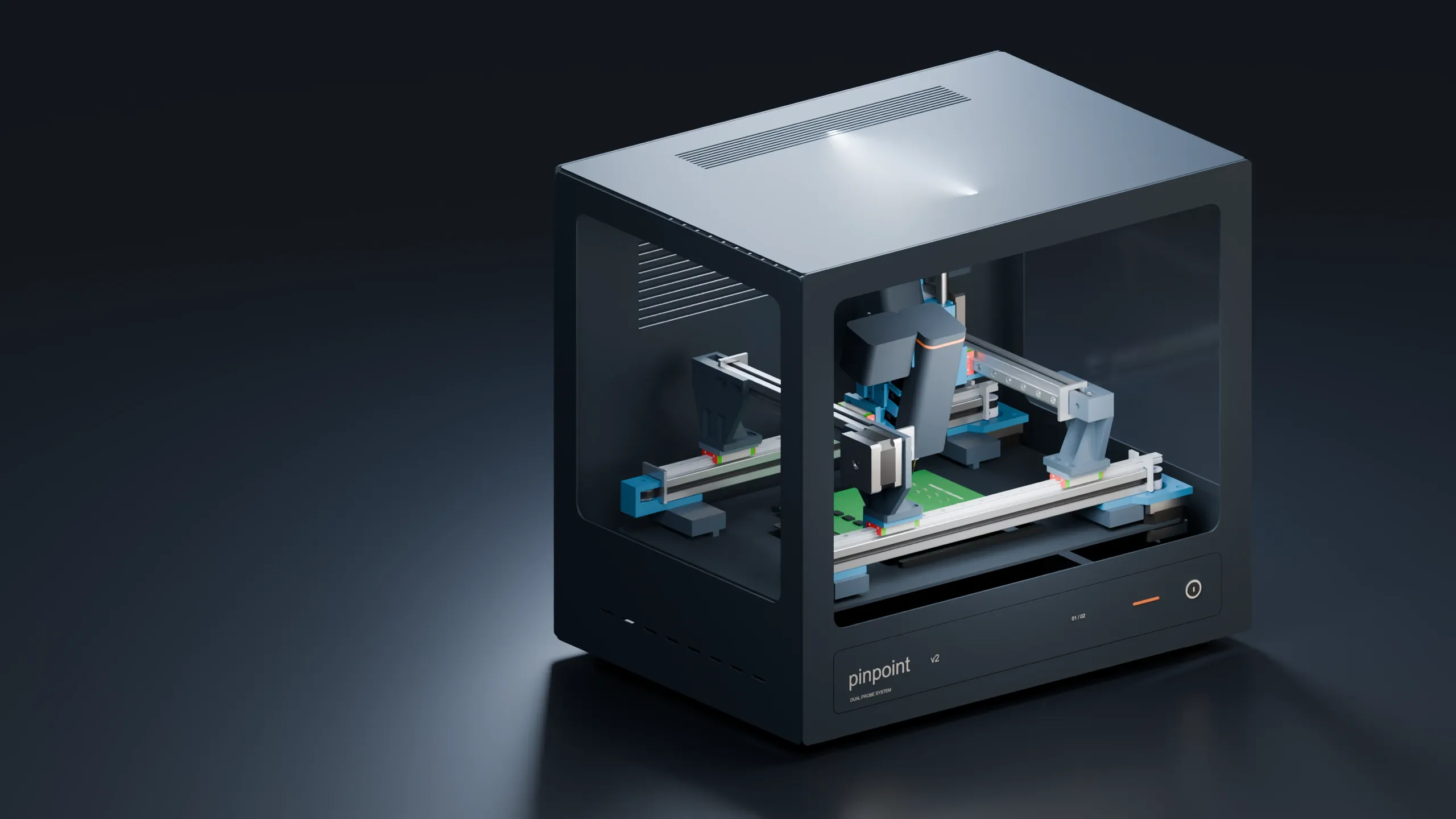
MCP-compatible AI reads your board data, operates Pinpoint and your instruments, and repeats measurements, analysis, and follow-up tests without step-by-step instructions. Use the AI your company already deploys, as long as it supports MCP.
READ BOARD DATA → MEASURE → ANALYZE → TEST AGAIN
Autonomous AI debugging for electronics development, test teams, and research labs
AUTONOMOUS DEBUGGING
Give MCP-compatible AI your board design data and the issue to investigate. It selects test points, operates the equipment, analyzes the results, and decides what to measure next.
Read component connections and layout to choose the circuits and test points to investigate.
Move Pinpoint’s probes to the test points and acquire readings from the connected instruments.
Compare readings with the intended circuit behavior and form hypotheses about the fault.
Select further points and conditions to test the hypotheses, then continue measuring.
Feed measurements into the next decision and repeat testing and analysis automatically
Measurements, likely causes, and recommended next actions
BENEFITS
Reading diagrams, moving probes, interpreting results, and deciding on the next test form a repeated cycle. MCP-compatible AI and Pinpoint take on that cycle together.
| Debugging task | Before: an engineer runs each step | With Pinpoint: AI runs the investigation |
|---|---|---|
| 1Select test points | Review the circuit diagram and symptoms to choose each component and point to measure. | MCP-compatible AI AI reads the board data and chooses the circuits and test points relevant to the issue. |
| 2Measure the board | Align the probes, operate the instruments, and read the measurements. | AI → Pinpoint and instruments AI operates Pinpoint and the instruments to position the probes, make contact, and acquire readings. |
| 3Analyze the fault | Compare the measurements with the design and consider possible causes. | MCP-compatible AI AI compares readings with the board design and forms hypotheses about the cause. |
| 4Continue investigating | Choose another measurement and repeat the operation and analysis. | AI repeats testing and analysis AI decides on and performs the next test, using each result to narrow down the cause. |
Delegate the investigation without choosing every test point or directing every probe movement.
Spend less time operating the test setup and more time on design work and deciding how to address findings.
Combine your instruments and AI coding tools with Pinpoint to automate board debugging.
SYSTEM CONNECTIONS
MCP-compatible AI directs the investigation. Pinpoint makes contact with the board, and your instruments capture real readings. Those readings return to the AI for its next decision and action.
↓ Test and operation commands ↑ Readings and device status
Measure voltages and signals
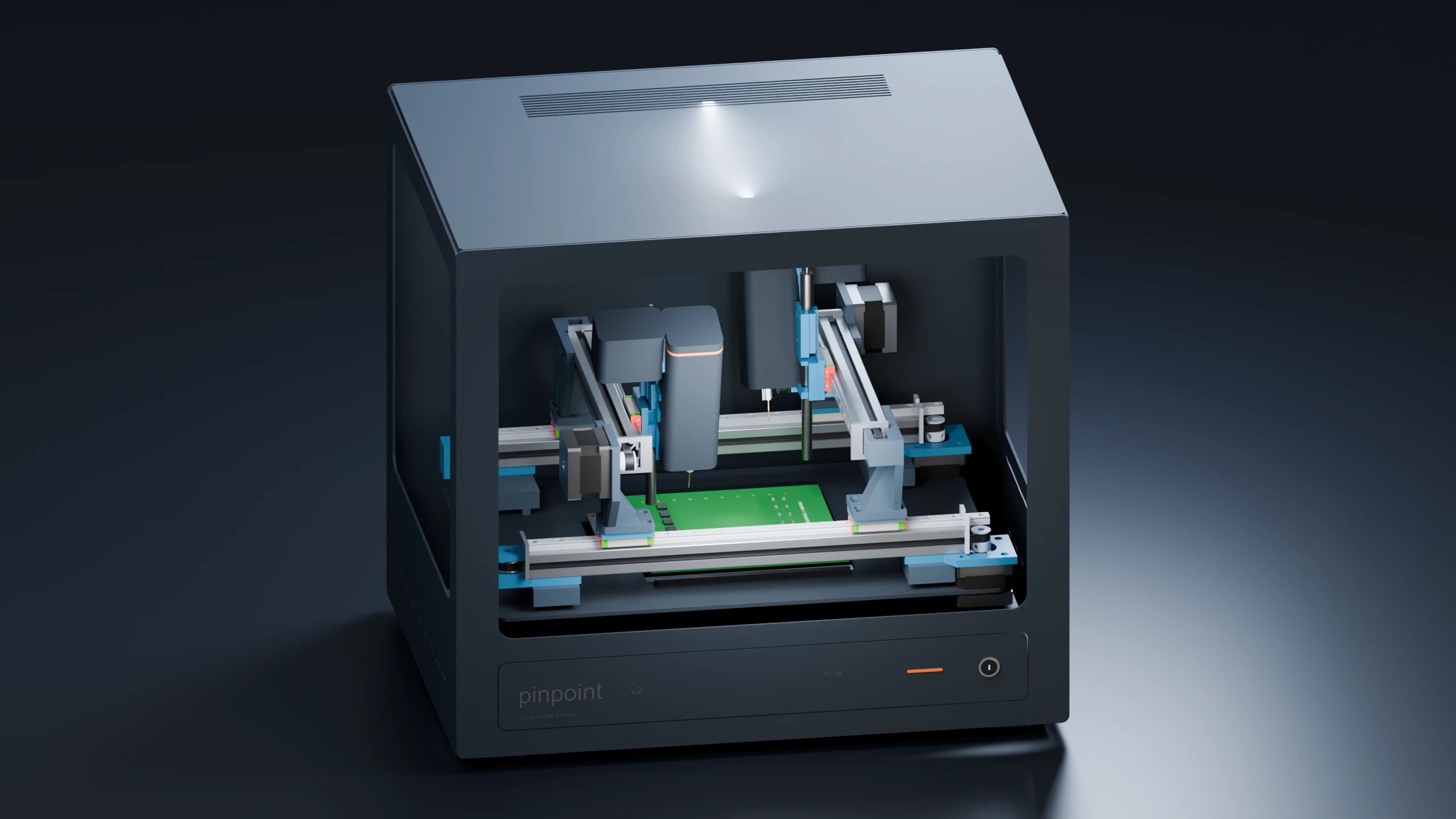
Position probes under AI control
Connect design data to the physical board
MCP is a common interface connecting AI to equipment. Your company’s existing MCP-compatible AI exchanges commands and results through connection software on your PC.
Use the MCP-compatible AI your company already deploys. AI costs, usage limits, and data handling follow the terms of your AI environment.
PROBE OPERATION
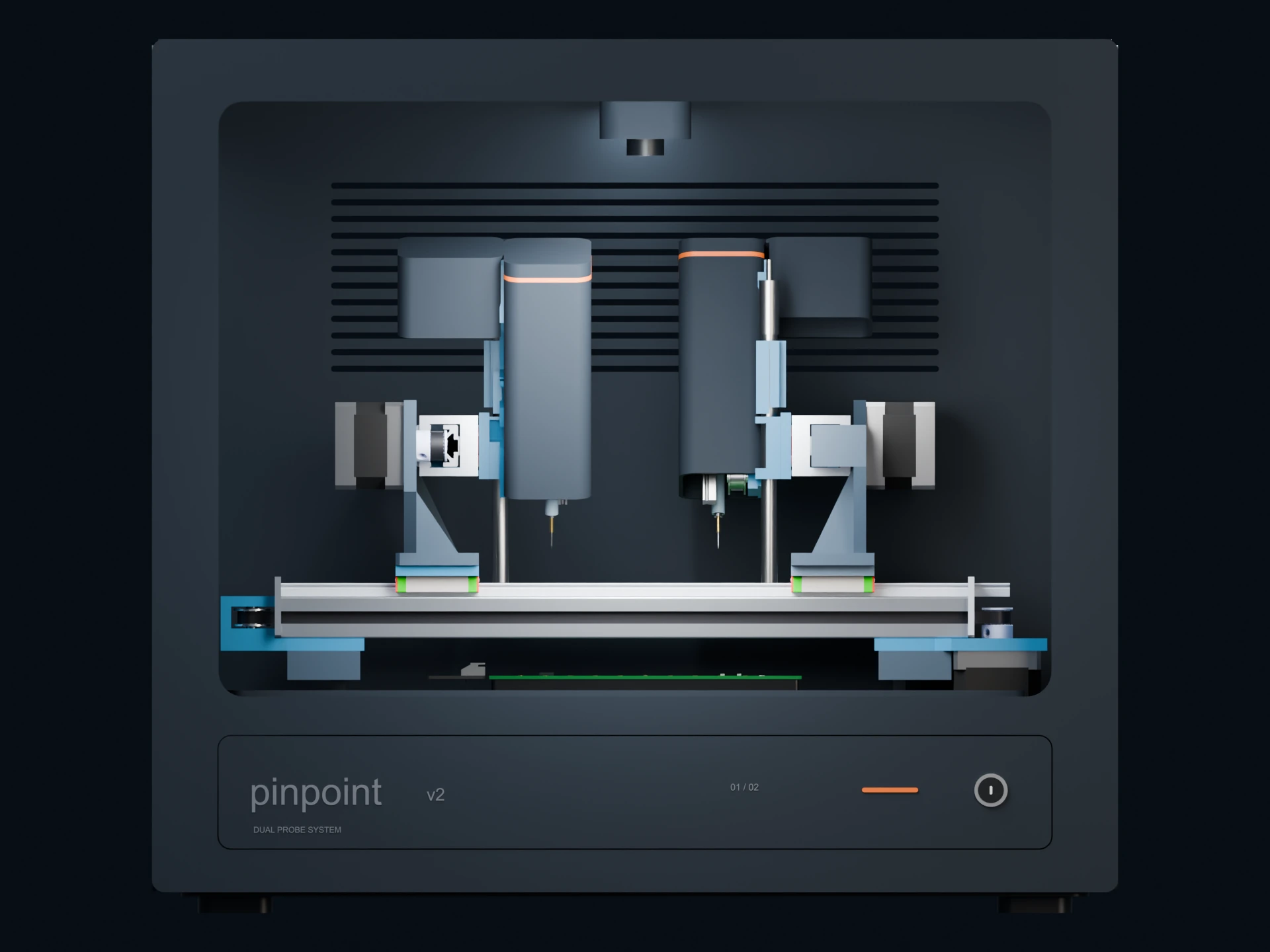
Two test needles move independently to contact separate points on the board. Movement, contact, measurement, and retraction follow the AI’s investigation sequence.
1 × 0.5 mm
The component in the video measures 1 × 0.5 mm. Its length is about the width of two 0.5 mm mechanical-pencil leads side by side. The tips contact the connections at each end of the component.
IMAGES & DEVICE STATUS
Board images and device status complement measurement readings, giving the AI information about the physical setup as it investigates.
USB microscopes and internal LEDs capture close views of components and probe contact positions.
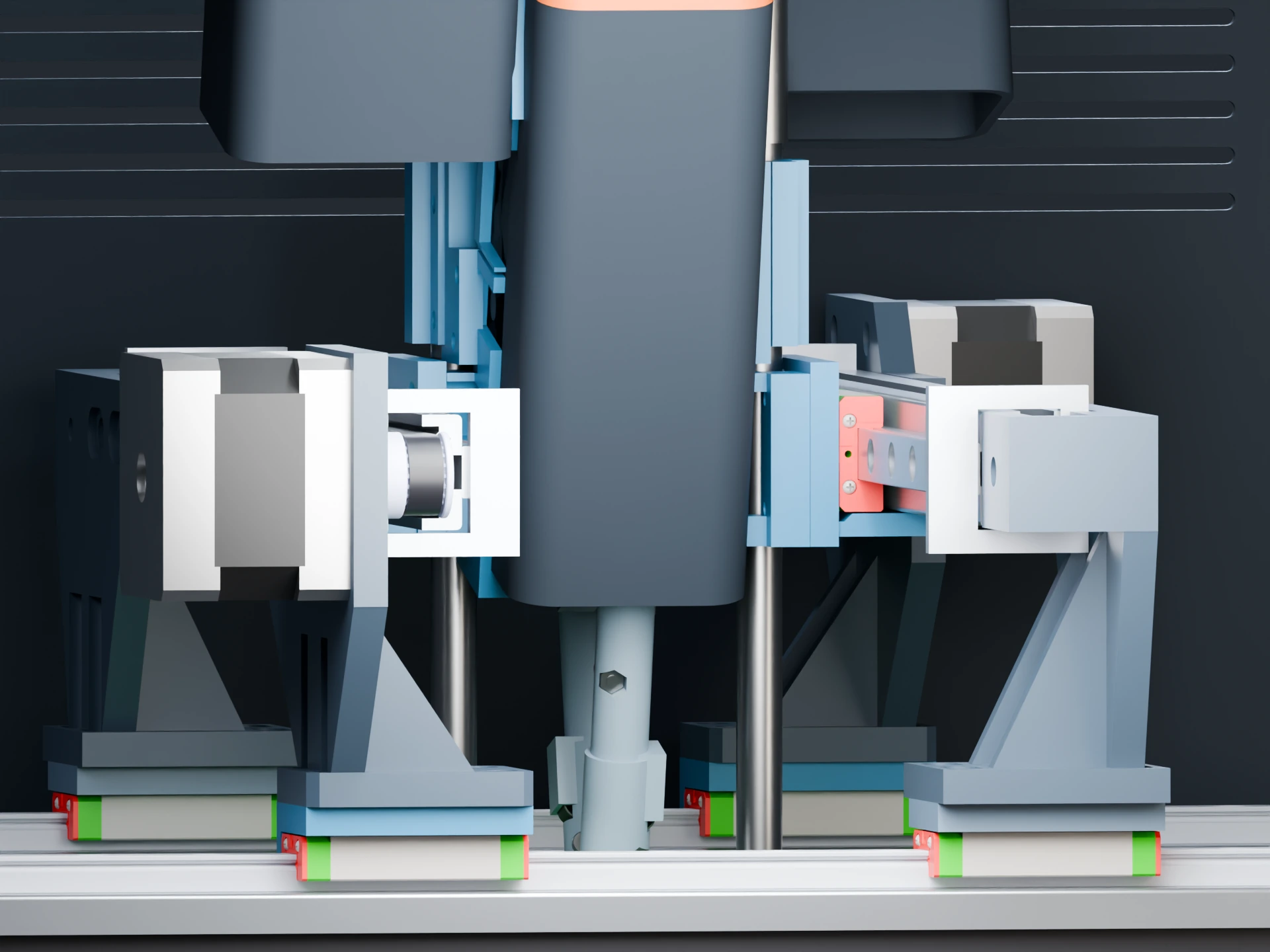
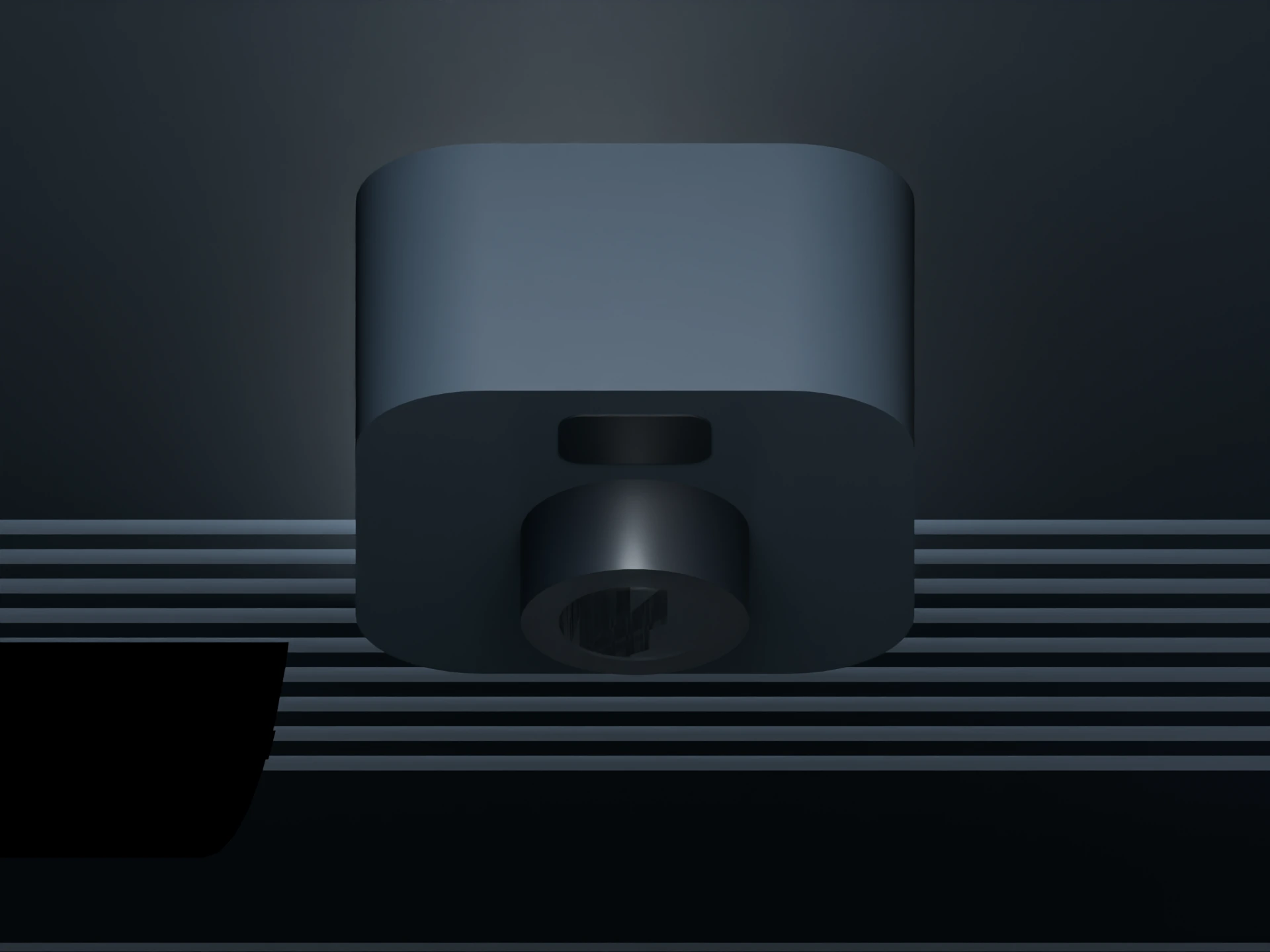
Distance sensors help detect cables and other objects within the working area.
GETTING STARTED
Once started, AI selects test points, measures, analyzes, and performs follow-up tests.
Secure the board and connect Pinpoint and your instruments.
Provide the schematics, board layout, and symptoms to the AI.
AI uses the design data to operate the equipment and analyze the readings in a repeated loop.
Receive the measurements and likely causes, then decide how to address them.
SPECIFICATIONS
FAQ
No. Given your board data and investigation goal, MCP-compatible AI selects test points, operates Pinpoint, analyzes the readings, and decides how to continue the investigation.
Provide the circuit board, schematics and layout, measurement instruments, and a PC running MCP-compatible AI. Set up the board, share the symptoms or goal with the AI, and start the investigation.
Share the model numbers and what you want to investigate. We review the electrical connections, AI control interface, and how readings are acquired, then advise on the setup.
Yes. You can use AI that supports MCP. You do not need to sign up for a specific AI service, and there is no separate Pinpoint AI subscription or token-based charge.
We explain initial online onboarding for board data, instrument, and AI tool connections, along with product warranty and technical support, as part of your quotation.
Waitlist
We will email you about launch and product updates. Telling us how you would use Pinpoint and which instruments you have helps shape what we build next.
Contact us by emailMugbot
support@mugbot.dev
Private preview: online registration is being prepared. You can also reach us by email.